OneDose for University Hospitals EMS

Welcome to OneDose. Here’s how to get started.

University Hospitals EMS provides OneDose Premium at no cost to Fire and EMS agencies and providers across the UH EMS system. Set up your account in a few steps, then come back anytime for training.

Provided byUniversity Hospitals EMS logo

Get started

Which one are you?

New to OneDose

Set up your account in five steps on your phone. You only do this once.

Download OneDose on the App StoreGet OneDose on Google PlayOpen OneDose Web

Missing your code or PIN? Your System Director or Agency Admin has them.

Agency admin

Agency Admins approved by University Hospitals EMS can manage users and turn medications on or off.

Already signed up

Training videos play right on this page. OneDose Academy has every OneDose and OneWeight video, guide and quiz.

Want a live training for your agency? Email helpdesk@myonedose.com.

Have these ready

  • Your agency’s Department Code and PIN
  • A work email you check
  • Your phone, or a computer for OneDose Web

Missing your code or PIN? Your System Director or Agency Admin has them.

  1. Download OneDoseiPhone, Android or OneDose Web in your browser.Download on the App StoreGet it on Google PlayOpen OneDose Web
  2. Tap New User? Sign UpIt’s on the first screen of the app.
  3. Enter your Department Code and PINYour System Director or Agency Admin has them.
  4. Choose your agencyWork at more than one? Pick them all, or add one later in Settings › Account Settings › Subscribed Departments › Add.
  5. Create your loginEmail, username, name, PIN and password. Your first sign-in syncs your UH EMS protocols.

Watch the account setup, start to finish.

Training

Training videos and the University Hospitals EMS webinar.

Each one plays right on this page. Bookmark it and come back anytime.

Provider training

OneDose Premium training

Every tool in the app, start to finish

Provider training

Basic navigation

Find your way around OneDose

Provider training

eMACC user training

Scan and verify medications

Agency admins

Agency Admin Console training

For agency admins

More how-to videos

Short videos on every part of the app, from navigating protocols to body weight entry and CPR Assist, live in OneDose Academy. Get into OneDose Academy

Every training video lives in OneDose Academy.

Already signed up? Log in for all OneDose and OneWeight training videos, guides and quizzes. Want a live training for your agency? Email helpdesk@myonedose.com.

Log in to OneDose Academy

Your plan

OneDose Premium, provided by UH EMS.

No cost to you or your agency. Here’s what’s in the app.

FAQ

Questions from UH EMS providers.

Don’t see yours? The help desk can help.

Need a hand?

Something not working?

Use this form to report issues with the University Hospitals EMS OneDose app, or email helpdesk@myonedose.com.

Missing your code or PIN?

Your System Director or Agency Admin has them.

Need admin access?

Agency Admins are approved by University Hospitals EMS.

Request admin access

Want OneDose news now and then? Sign up for the e-news list.

The OneDose lineup

More for your agency.

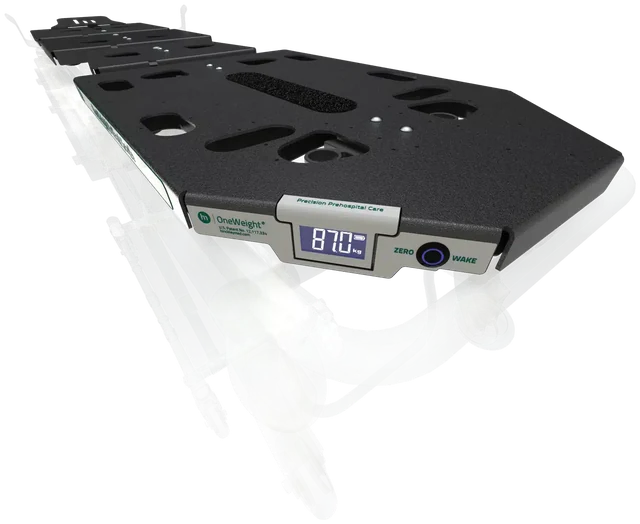
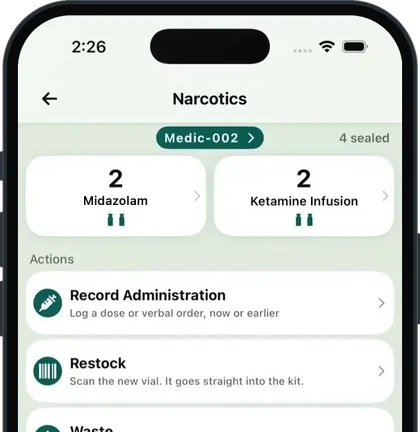
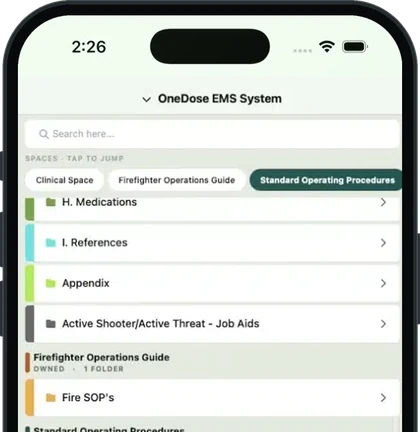
Narcotics and Spaces live in the OneDose app your crews already use, and OneWeight sends patient weight straight to it. Each one is sold separately.

Questions for your agency? Email sales@myonedose.com.