OneDose for Blessing Health System

Welcome to OneDose. Here’s how to get started.

Blessing Health System provides OneDose Essentials at no cost to EMS agencies and providers across the system. Set up your account in a few steps, then come back anytime for training.

Provided byBlessing Health System logo

Get started

Which one are you?

New to OneDose

Set up your account in five steps on your phone. You only do this once.

Download OneDose on the App StoreGet OneDose on Google PlayOpen OneDose Web

Missing your code or PIN? Your Blessing Health System administrators have them.

Agency admin

  1. Create your provider account first.
  2. Request admin access.
  3. Watch the Admin Console training.

Agency Admins approved by Blessing Health System can customize medication concentrations and turn protocols and medications on or off, so OneDose fits your team.

Already signed up

Training videos play right on this page. OneDose Academy has every OneDose and OneWeight video, guide and quiz.

Want a live training for your agency? Email helpdesk@myonedose.com.

Have these ready

  • Your agency’s Department Code and PIN
  • A work email you check
  • Your phone, or a computer for OneDose Web

Missing your code or PIN? Your Blessing Health System administrators have them.

  1. Download OneDoseiPhone, Android or OneDose Web in your browser.Download on the App StoreGet it on Google PlayOpen OneDose Web
  2. Tap New User? Sign UpIt’s on the first screen of the app.
  3. Enter your Department Code and PINYour Blessing Health System administrators have them.
  4. Choose your agencyWork at more than one? Pick them all, or add one later in Settings › Account Settings › Subscribed Departments › Add.
  5. Create your loginEmail, username, name, PIN and password. Your first sign-in syncs your Blessing Health System protocols.

Watch the account setup, start to finish.

Training

Training videos.

Each one plays right on this page. Bookmark it and come back anytime.

Provider training

OneDose Essentials user training

App overview for every provider
Agency admins

Essentials Admin Console training

Console overview for agency admins

Every training video lives in OneDose Academy.

Already signed up? Log in for all OneDose and OneWeight training videos, guides and quizzes. Want a live training for your agency? Email helpdesk@myonedose.com.

Log in to OneDose Academy

Your plan

OneDose Essentials, provided by Blessing Health System.

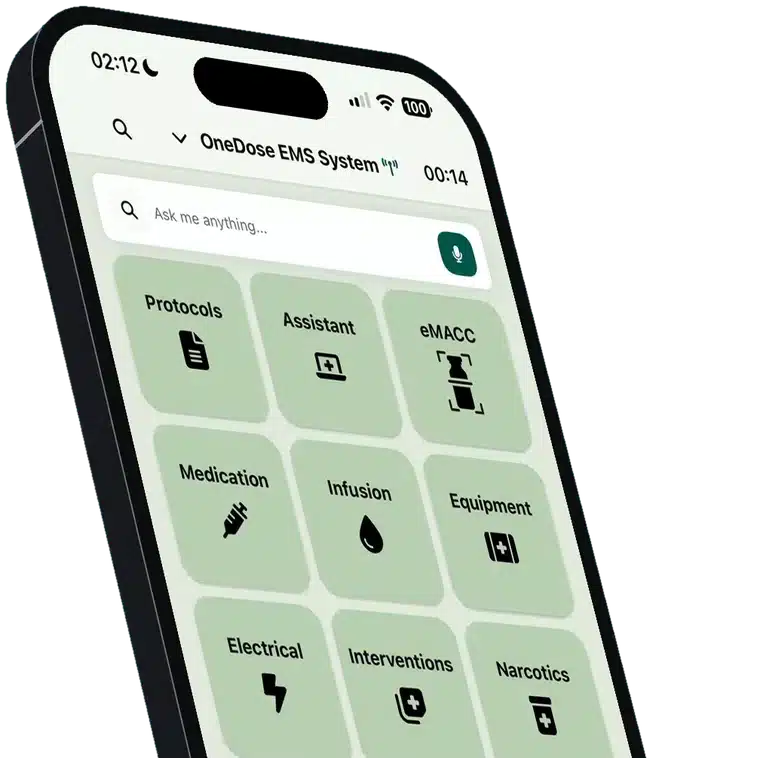
No cost to you or your agency. Here’s what’s in the app.

FAQ

Questions from Blessing Health System providers.

Don’t see yours? The help desk can help.

Need a hand?

Something not working?

Reach out to your Blessing Health System administrators, or email helpdesk@myonedose.com with your name, agency and what you’re seeing.

Missing your code or PIN?

Your Blessing Health System administrators have them.

Need admin access?

Agency Admins are approved by Blessing Health System.

Request admin access

Want OneDose news now and then? Sign up for the e-news list.

The OneDose lineup

More for your agency.

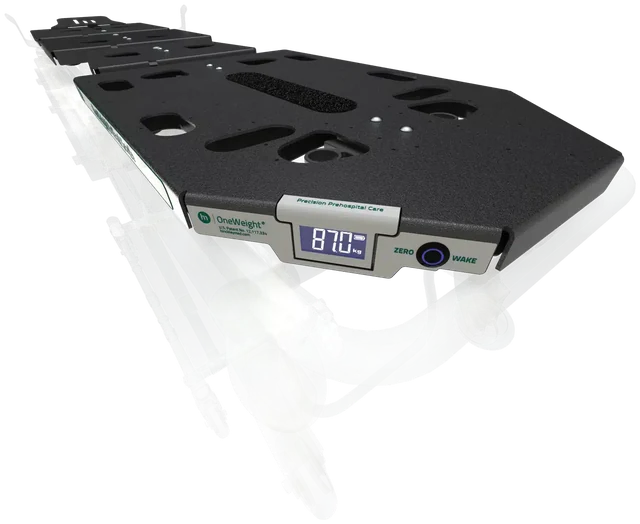
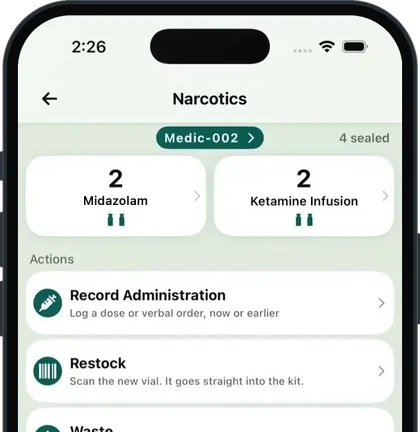
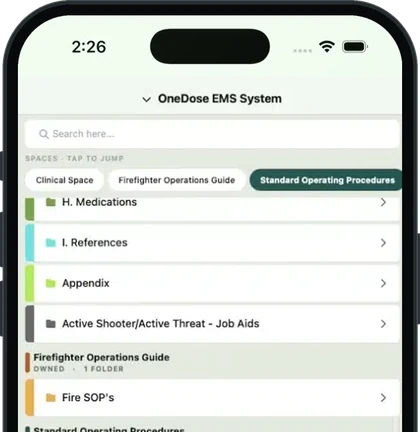
Blessing Health System gives agencies full access to OneDose Essentials. Additionally, every agency can upgrade to OneDose Premium at a discounted rate. OneWeight, Narcotics and Spaces build on it.

Questions for your agency? Tell us about your agency or email sales@myonedose.com.