

What to Look for in an EMS Protocol App
June 2, 2026
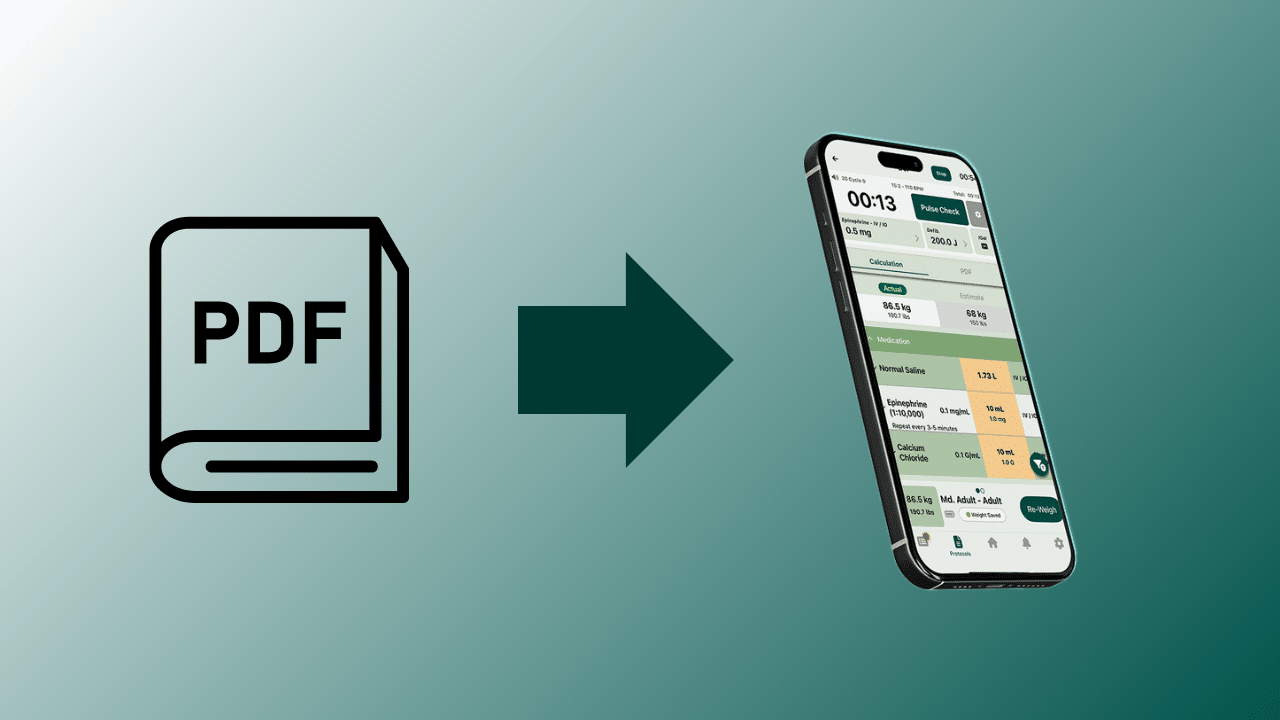
Your protocol app is a clinical tool. It shapes how fast crews find information, how accurately they dose medications, and how much control your medical director has over the system.
Not all platforms are built the same way. And one thing should be true of all of them: your agency shouldn’t have to pay just to store and access its own protocols.
Here’s what to look for.
1. Is It Your Platform or Theirs?
Some EMS protocol apps are built around the vendor’s content — their algorithms, their drug references, their clinical framework, with an option to add your protocols on the side. Others are built to deliver your protocols, your formulary, your way.
Ask vendors directly: can your medical director change a drug concentration or add a protocol on their own, without filing a support ticket? If the answer is no, you’re operating inside their platform.
Look for:
- Full control over your own protocols, without vendor involvement
- Agency-specific drug concentrations and dosing parameters
- Your exact formulary, not a national default
- Direct administrative access for your leadership team and medical director
2. Is the Core Functionality Free?
Protocol access shouldn’t sit behind a paywall. Crews need their protocols on every call, and agencies shouldn’t have to budget around a license to view documents their medical director already approved.
The best EMS protocol apps offer their core protocol management capabilities — viewing, version control, offline access, notifications — at no cost to agencies. Advanced clinical tools like dosing calculators, medication scanning, and ePCR integrations can sit in a paid tier for agencies that want them, but the foundation should be free.
Ask vendors:
- What does it cost an agency to simply store and access their protocols?
- What’s included in the free tier versus the paid tier?
- Are there per-user or per-device fees on the core platform?
3. Are the Dosing Tools Built for Your Patients?
Some EMS dosing apps wrap dosing around a proprietary age-and-length method. It works for pediatric patients, but applying that same framework to every patient is a real limitation when your protocols call for something different.
Good dosing tools should:
- Calculate doses from actual patient weight or ideal body weight using your concentrations, not a lookup table
- Let your medical director configure parameters directly in the platform
- Cover adult and pediatric patients equally well
If a vendor demo only shows you a pediatric dosing chart, ask to see how adult weight-based dosing works with your specific calculation basis and concentrations.
4. What Does the Analytics Layer Give Your Leadership Team?
A usage log isn’t enough. Look for a dashboard that shows which protocols are accessed and how often, whether all devices are running current versions, and whether dosing tools are being used correctly.
That kind of data lets leadership and QA teams find training gaps before they become patient safety problems. Ask vendors to show you the dashboard live, not just a screenshot.
5. Does It Work Offline?
EMS runs in basements, rural areas, and buildings where cellular disappears. Protocols need to be stored on the device and fully accessible without any connection. Confirm this in a demo — and ask specifically how dosing tools and reference materials behave when offline, not just the protocol text.
6. How Are Updates Confirmed?
When a protocol changes, every device needs to receive it, and your medical director needs to know it happened. Look for simultaneous push to all devices, version control, and device-level confirmation — without having to download updates manually every time. Without that last piece, you have a compliance gap.
7. Is the Interface Built for the Field?
Gloves, low light, moving vehicles, dark mode. Check that text is readable in sunlight and in the dark, touch targets are large enough, and crews can find what they need by symptom or medication name, not just protocol title. Hand the app to a medic cold and watch where they hesitate.
8. What Does Support Look Like After You Sign?
Ask about real response times, after-hours availability, and whether your medical director can reach someone who understands EMS. Talk to existing customers about a moment when something went wrong. How it was handled tells you more than any sales call.
The Bottom Line
Offline access and update management are the minimum. The real difference is in the clinical layer: dosing tools built around your formulary, real control for your medical director, and analytics that actually drive improvement. And the cost of accessing your own protocols should never be the barrier.
The best EMS protocol app isn’t the most marketed one. It’s the one your crews trust and your medical director controls.
Why EMS Agencies, Regions, and States Choose OneDose
OneDose believes protocol access should be free — and it is. OneDose Essentials costs nothing, works on any device, and includes full protocol management, offline access, admin controls, training tools, and version control.
Need more? OneDose Premium adds weight-based dosing calculators, a medication vial scanner, AI assistance, live patient documentation, and ePCR integrations with ESO, ImageTrend, First Due, and others.
What sets OneDose apart:
- Free core platform — agencies always own their protocols
- Fully customizable to your formulary and medical director’s specs
- Works offline on every device
- Trusted by 3,500+ agencies nationwide
- Dedicated onboarding support included
Ready to see it in action? Schedule a Demo.